#122 - Weekly Warmup Summary
Sketching and Clean Notes

Weekly Warmup is a session I look forward to every week. It’s my time to join the tribe. I have found a safe space to make mistakes and bring my authentic self.
This week’s TSN warm-up turned into a really rich conversation about habits, time, and how to make our sketch notes look better without making our lives harder.
Community buzz & accountability
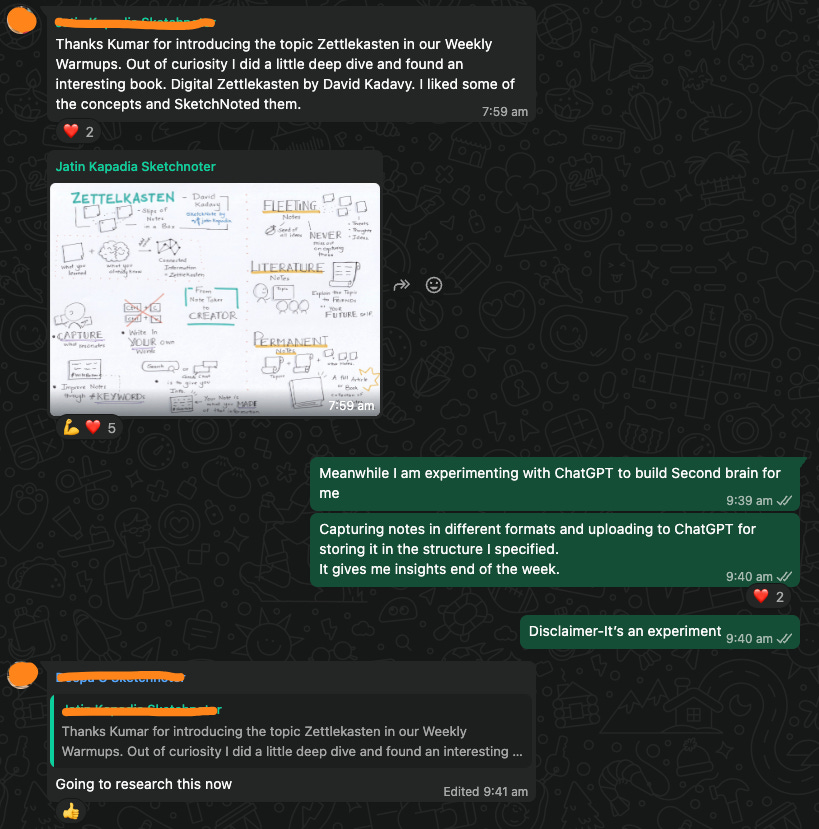
Jatin’s sketch note post on Zettlekasten “started a revolution” — suddenly lots of folks in the group wanted to try sketch noting and the chat came alive.
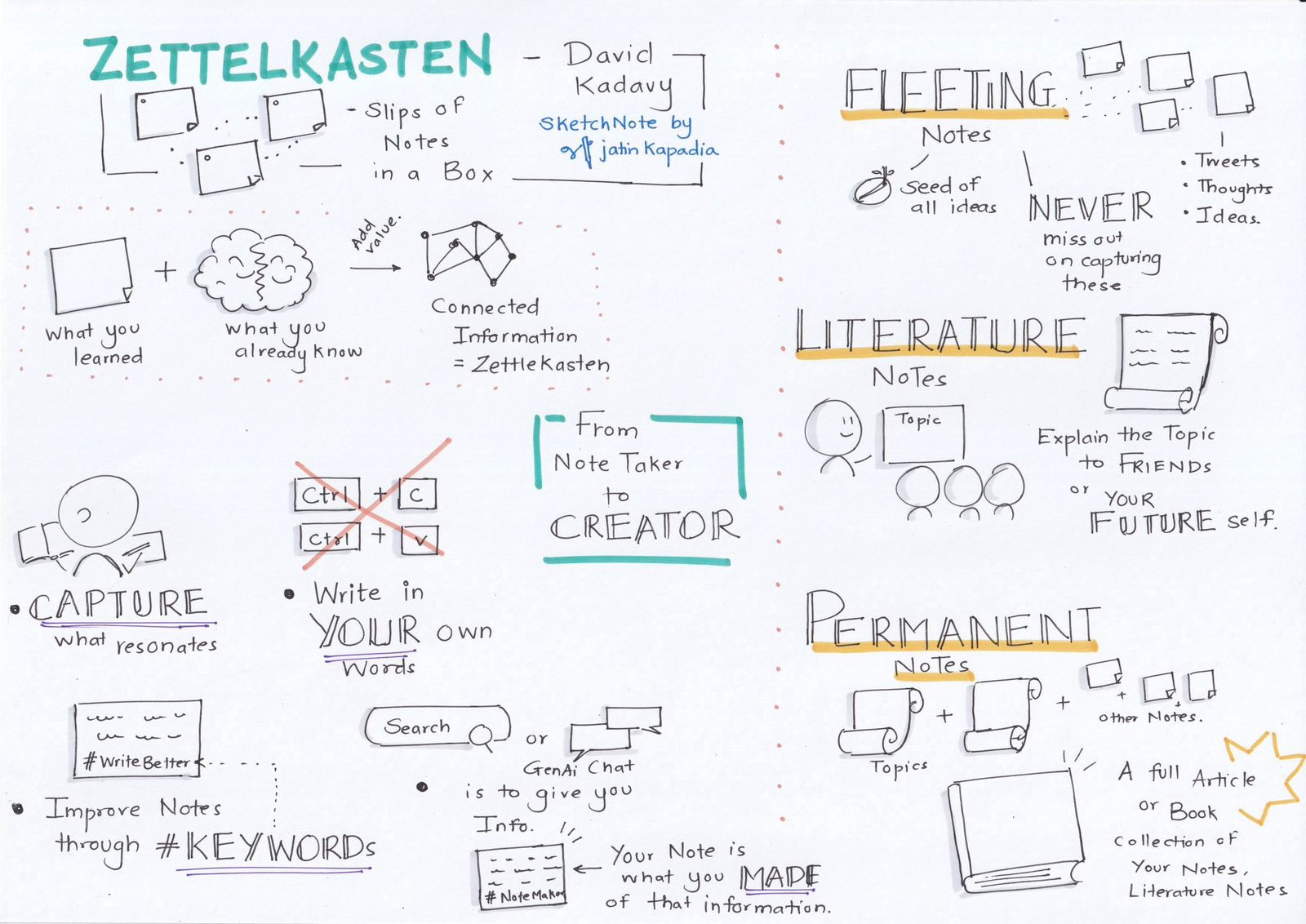
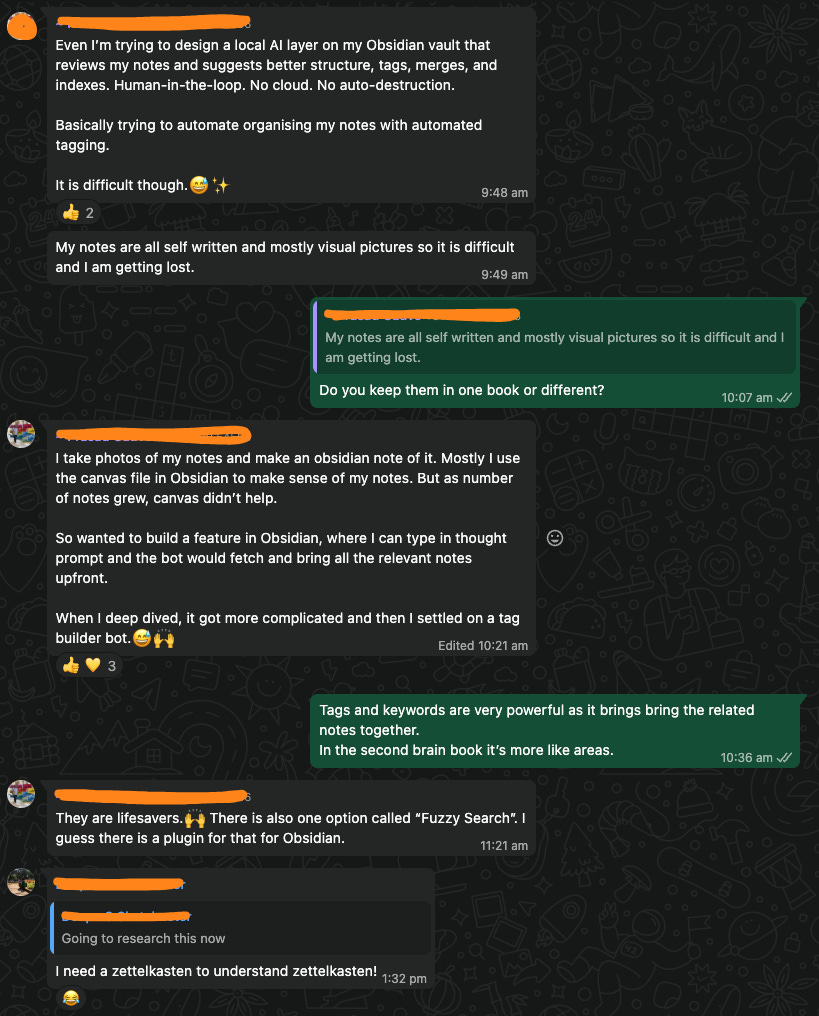
We clarified an important point: note‑taking is the real goal; sketching is just one tool to help us think and remember better.
We also talked about our different WhatsApp channels (handwriting, inspiration, city groups) in the Sketchnoters community and how they act like TAG – “The Accountability Group”, especially Atomic Sketches. Just knowing others will notice when we don’t show up is a surprisingly powerful nudge.
Making your sketches look clean (without going full Photoshop)
Deepa from the community had asked: how do you make hand‑drawn sketches look clean and legible when you photograph them?
I shared how I do it. It’s basically broken in 2 parts.
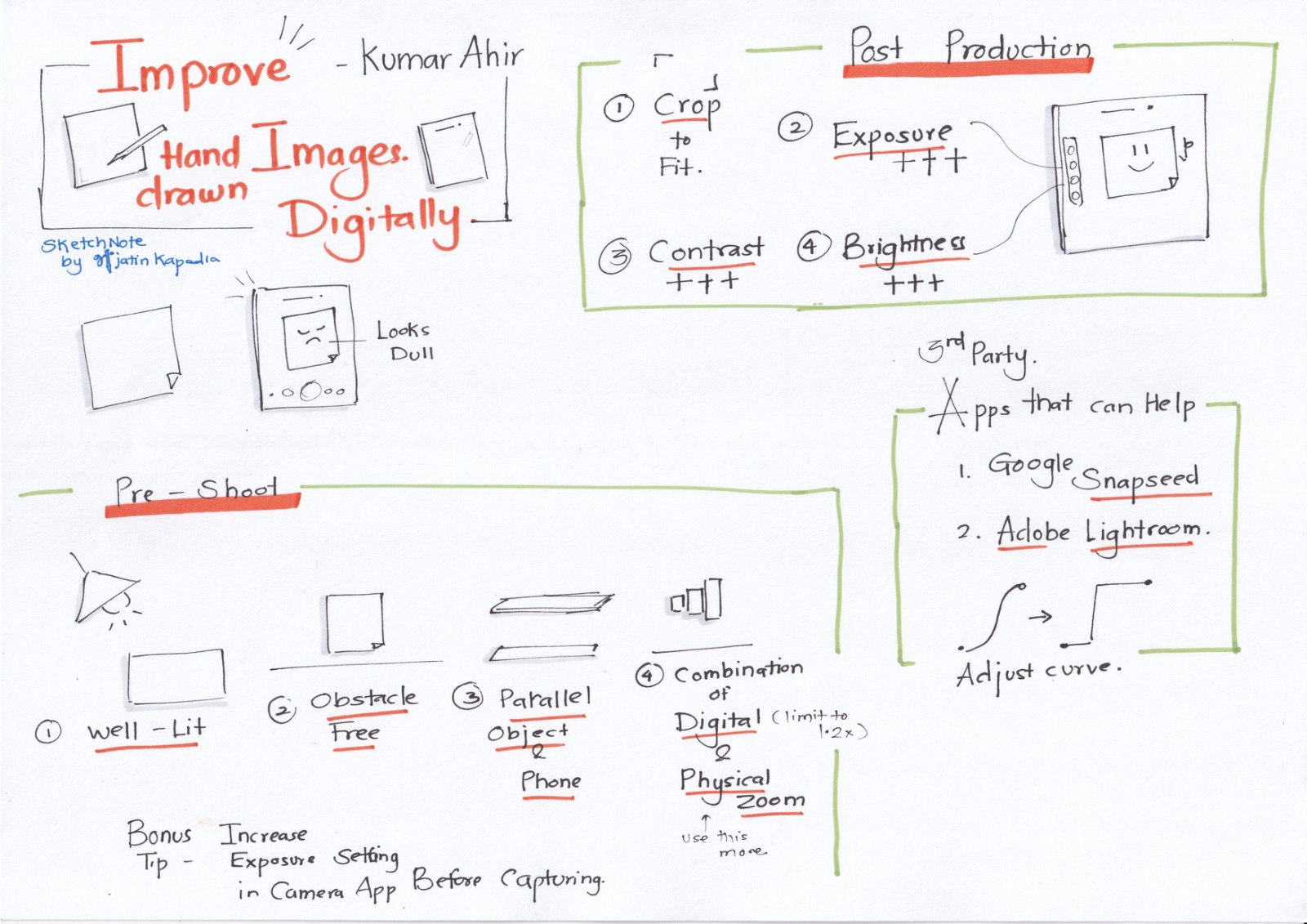
Pre-shoot (when you take the photo)
Use good light coming from the opposite side of the camera onto the page.
Keep the area clear of clutter.
Hold the camera parallel to the page (not at an angle).
Prefer moving your phone closer over zooming; if you zoom, stay under ~1.2x.
Post-production (quick edits)
Using your phone’s editor or an app:
Crop to focus on the sketch.
Increase exposure to wash out the paper texture/background.
Increase contrast so lines stand out.
Adjust brightness up or down to keep strokes readable.
Optionally tweak black point to make the ink pop.
Apps that work well:
Built-in photo editor on your phone
Google Snapseed – especially the Curves tool (simple S‑curve cleans things up fast)
Adobe Lightroom – exposure/contrast/curves
Adobe Scan / Microsoft Lens – quick automatic cleanup (better for black & white; colors may shift)
A nice side effect: with a few seconds of editing, even rough notebook pages start to look almost like clean digital sketches.
The session is recorded and available to follow.
Below is the sketchnote Jatin created live during the session.
That’s all for today. See you next week.
Thank you for reading Letsketchin. 🥧